

The previous article showed how to associate the product combinations with the corresponding images in a more specific way. Next, another way to activate this functionality will be explained, which is recommended for stores with many products, or many combinations of these. To create the associations of images and combinations, you have to select a specific product and go to the "Photos" section.
Catalog - Products - Edit Product – Photos
Catalog - Products - Edit Product – Photos
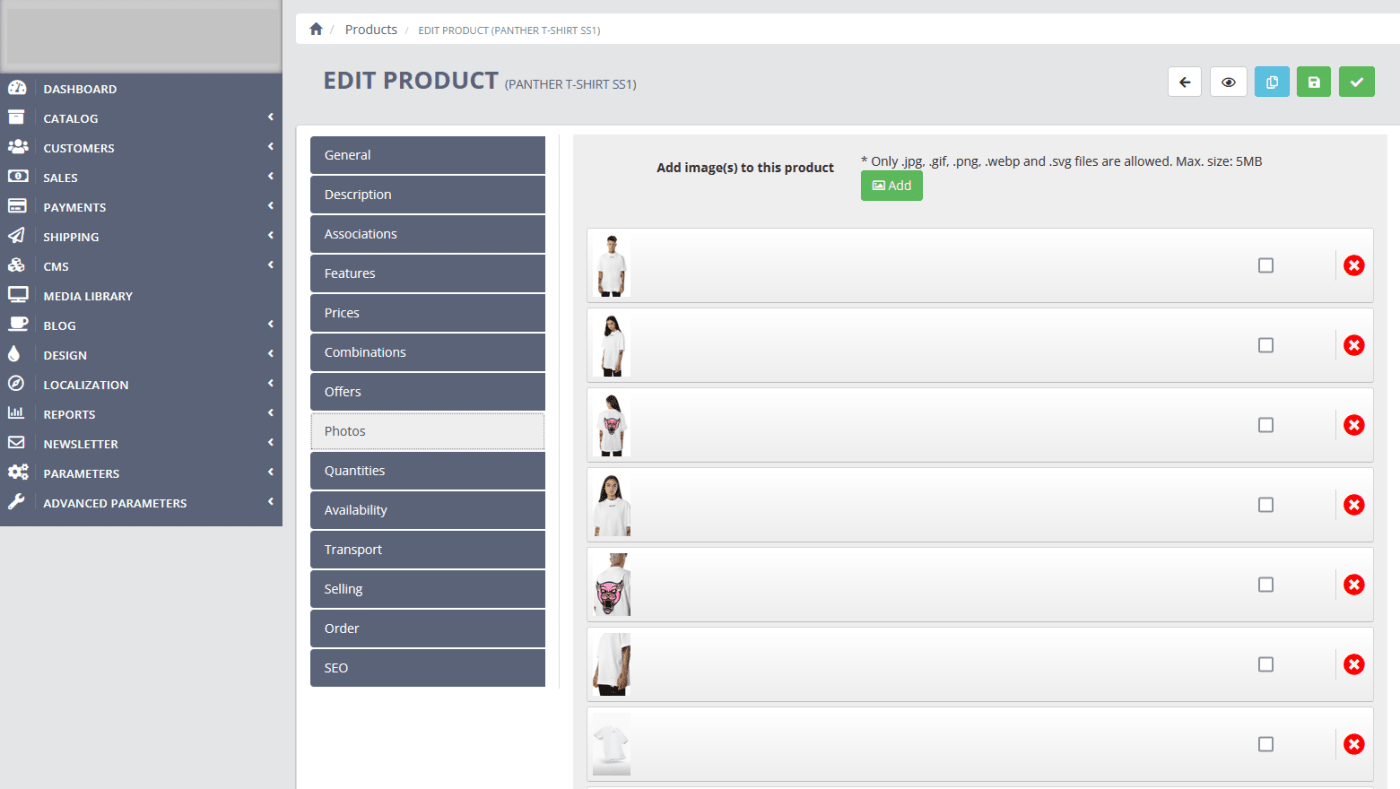
Once on this page, you have to go to the bottom, choose the attribute and the value to which you want to add images, and select all the product photos that correspond to this attribute / value. As shown in the screenshot below:
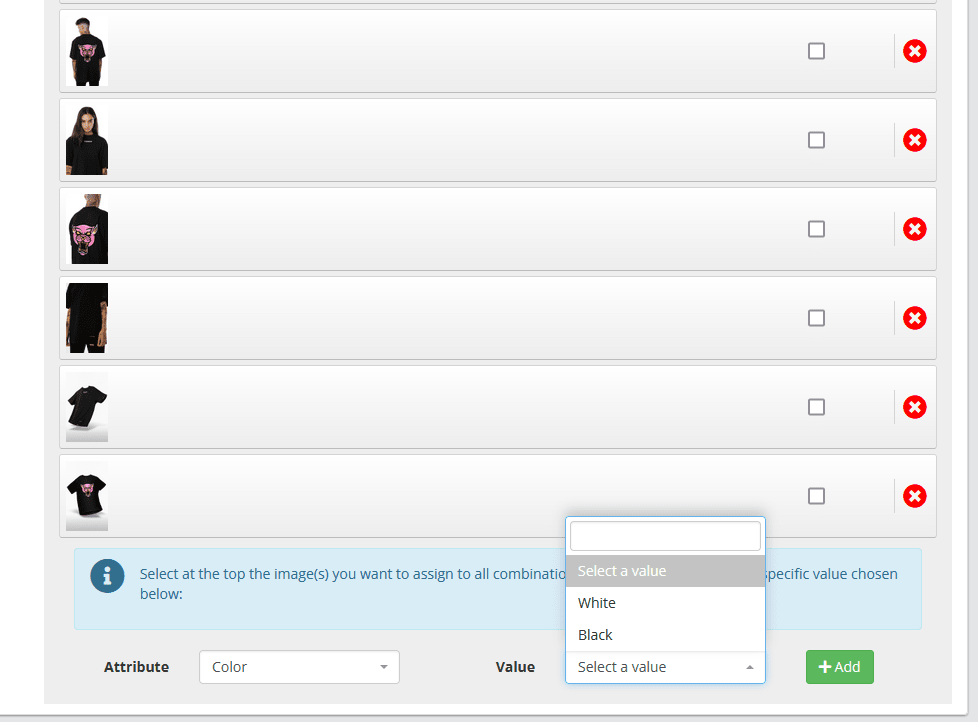
This action has to be repeated for each of the products.