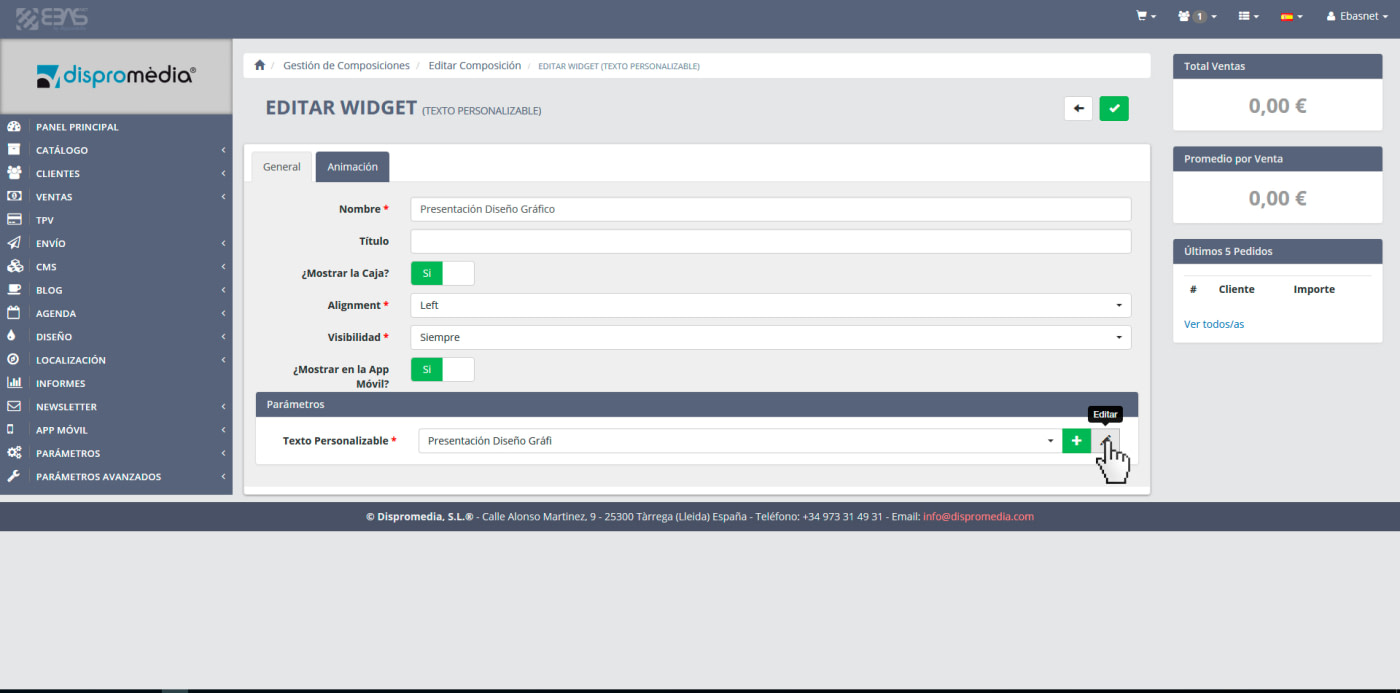


From now on, when you're making a composition from our Ebasnet System will be very easy access to the widget element editing (customizable text, gallery, composition, etc.). You can do it directly through the button next to Selectable of that item. This opens a new window where you can edit it.
Let's see an example:
If we go to the "Compositions" menu.
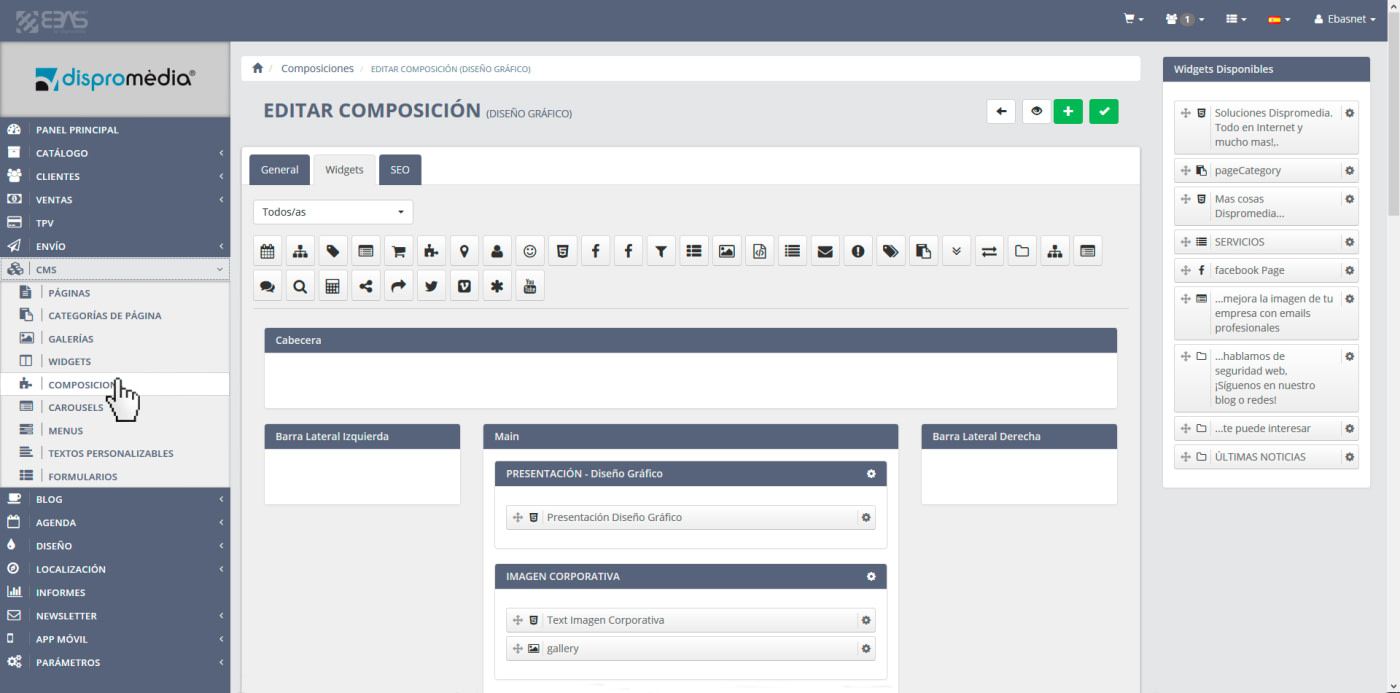
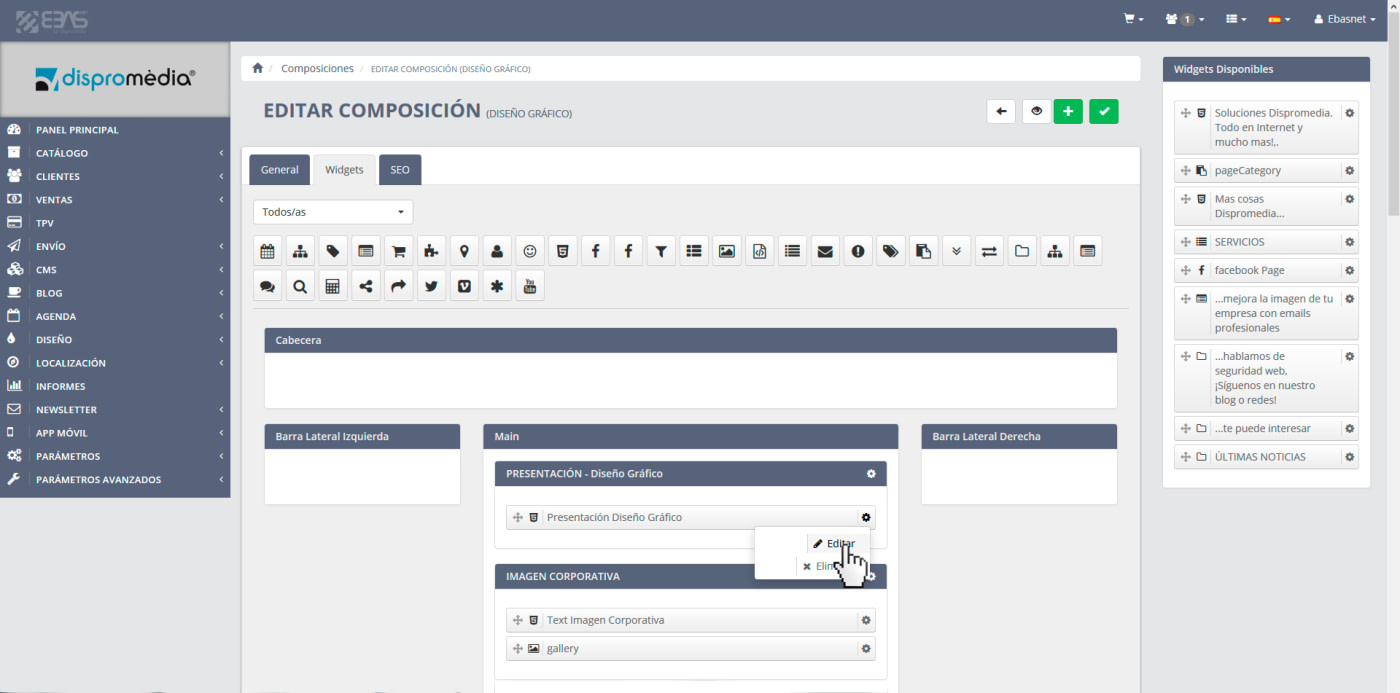
And there we edit for instance a widget of type "customizable text".
Right next to the selector to select the customizable text you can press the "Edit" button to edit the text selected or the "New" button to create a new customizable text.