

Online stores often have products for sale that require minimum purchase units. Until now, in the Ebasnet manager, this could be applied to each product, from now on we have incorporated a new functionality that allows it to be applied to product categories as well.
How can I enable this functionality in my ecommerce?
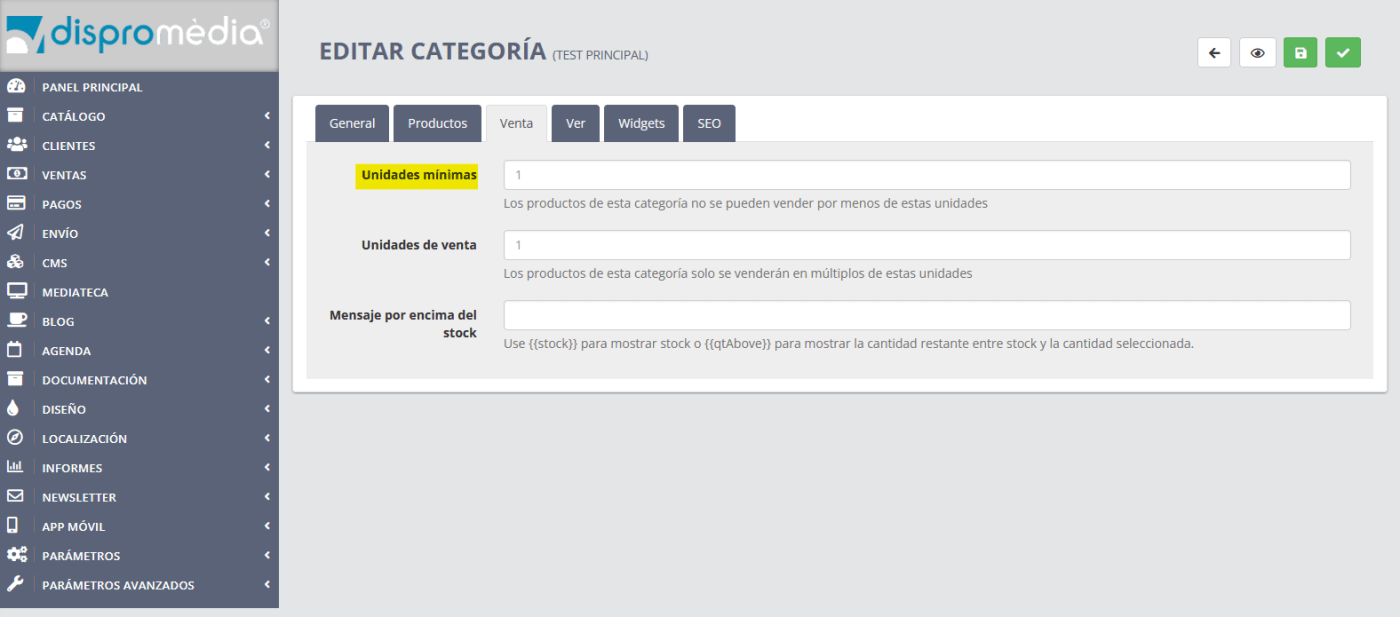
First, go to the Catalog - Categories section and select the category you want to edit. Once in the category menu, select the "Sale" tab, and in the "minimum units" section, set the minimum number of products that customers will have to buy.
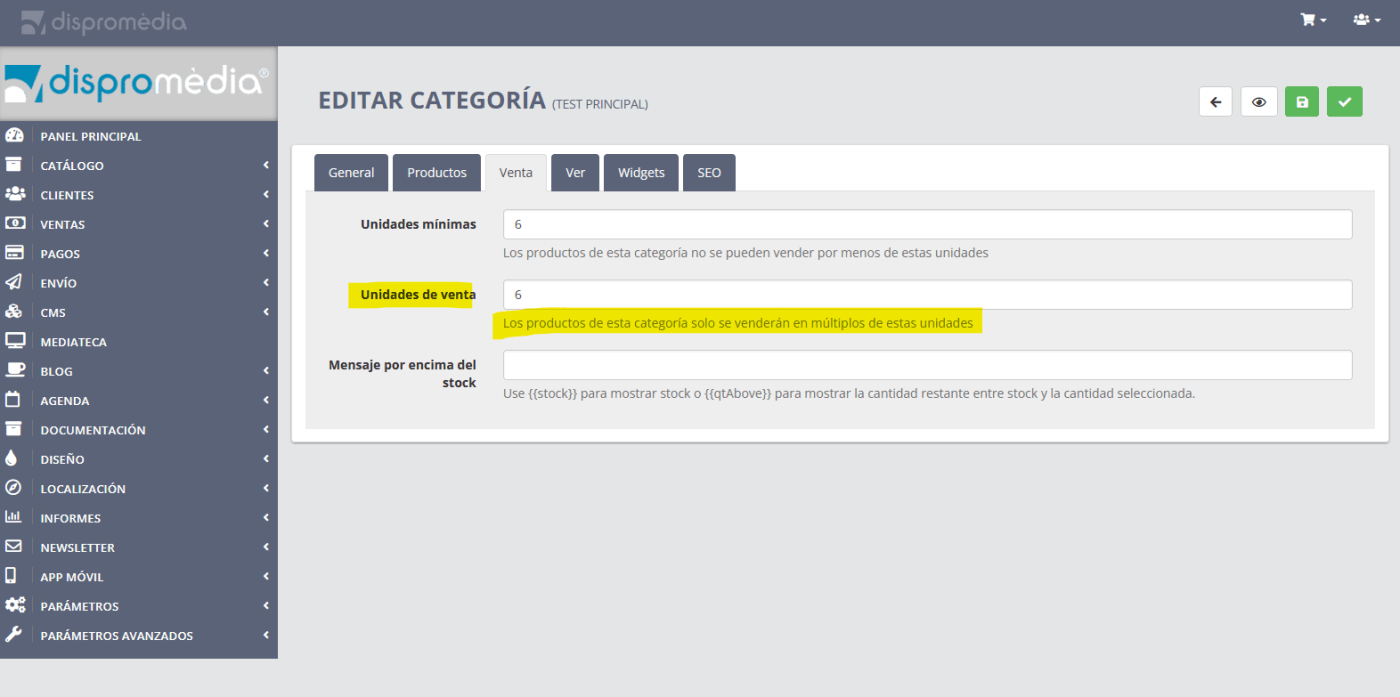
The Ebasnet manager also allows products in a category to be sold only in multiples of a number. This option can be very useful in product categories that are sold in packs. For example, if we want to sell bottles of wine, and the packs are 6, in the "units of sale" section we will have to state that the products in this category will only be sold in multiples of 6.
For more information, contact us.